
 Overview
Getting started: a quick tour
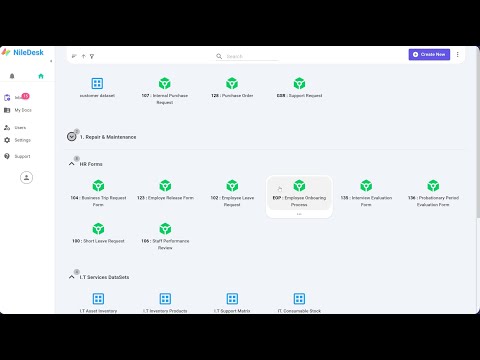
Find your way around NileDesk and see the basics in action.
Getting started guideShort walkthroughs of NileDesk's main features. Videos play right here — no need to leave the page.

A quick introduction to what NileDesk is and how forms, processes, boards and reports fit together.
Overview
Find your way around NileDesk and see the basics in action.
Getting started guide Step-by-step example
Learn form design and basic routing by building a leave request.
Create a process flow Step-by-step example
Use AI to design the form and set up smart assignments.
Create a process flow Overview
Manage flexible work on Kanban-style boards.
Create a board Overview
A detailed look at the form designer and its fields.
Fields reference Overview
A detailed look at the process designer and its steps.
Flow designer & controls Overview
Add users, organise groups and manage access.
Users management Overview
Summarise and analyse large amounts of data with pivot reports.
Pivot reports Overview
Build structured, spreadsheet-style reports from your data.
Tabular reports Overview
Visualise your data with charts and highlight key numbers with data tags.
Charts Overview
Set up an AI agent that lets people work with your processes on WhatsApp.
Step-by-step guide