
AI where it helps. Rules where you need them.
NileDesk combines a no-code process engine with AI. Let AI draft your processes, route and prioritise work, and talk to your customers — while you keep control of what it can see and a record of why it acted.
Describe it. Review it. Publish it.
Forms, processes and datasets from a prompt
Describe the process in plain language; AI generates the form and matching workflow as a starting point you refine.
Documents and messages
Design, reformat or improve PDF, email and notification templates with a simple prompt.
Expression builder
Explain the calculation or condition you need and let AI write the expression.
Decisions that adapt to the request
Stage routing
Write the business rule in natural language; at each branch AI reads the item's data and picks the path.
Assignments, priorities and deadlines
Let AI choose who should handle an item and how urgent it is, based on its content.
Data interpreter
Turn free text that users type into structured fields, calculated values or summaries — and use the result in later steps.
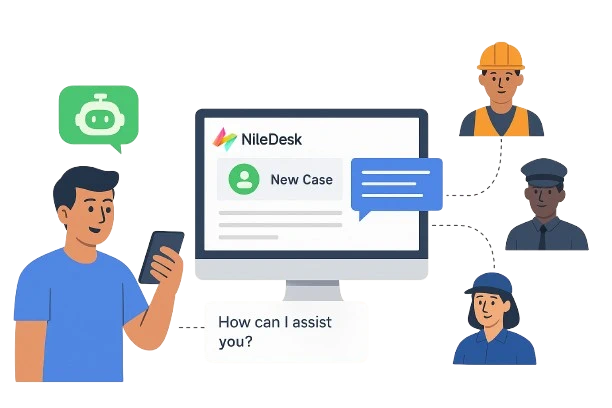
Let people start and follow processes by chatting
Build agents inside NileDesk — no external tools needed — and connect them to your processes. Customers, tenants, citizens or employees can create requests, check progress and get follow-ups in a conversation.
- WhatsApp agents — create requests, track progress and automate responses and follow-ups
- Website agents — embed with a simple iframe; the agent only loads on domains you allow
- No-code agent builder — define which processes an agent works with and how it behaves
Give AI assistants safe, scoped access to your processes
The Model Context Protocol (MCP) lets AI assistants use external tools. In NileDesk you define your own MCP servers, choose exactly which capabilities each one exposes, and share the server URL with an MCP-capable assistant such as Claude.
Capabilities you can expose include:
- List templates and their fields
- Start process and board items, or create drafts
- Approve, reject, return or move items between board stages
- Find, count, add and update dataset records
- Read an item's timeline and add comments
initiate_process_item · get_process_timelinecount_recordsIllustrative example. What the assistant can do is limited to the capabilities you expose on the server and the permissions of the account it uses.
AI on every deployment
Free trial
All AI features are included, so you can try them on your own processes.
NileDesk Cloud
AI features are an optional part of your plan — include them only if you need them.
Self-hosted
Bring your own AI model and keys, so prompts and data go only where you decide.
Describe a process. See what AI builds.
The trial includes every AI feature. Try generating your first process from a one-paragraph description.