
Admissions, staff requests and approvals for schools and training providers
Replace paper forms and email threads with structured requests that students, parents and staff can submit and track.
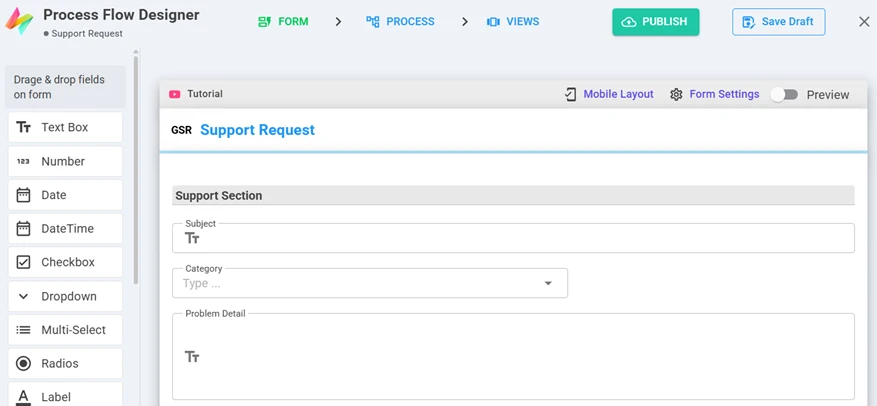
Form designer — drag fields onto the form, set validations, publish.
What Education & Training teams build with NileDesk
Each of these is built from the same no-code components, so you can start with one and add the next when you're ready.
Admissions & enrolment
Applications with document uploads, reviewed and approved in stages.
Staff leave & requests
Leave, purchase and facility requests with clear approvers.
Course & training requests
Request, approve and track training, then issue a certificate PDF.
Student services
Certificates, letters and other requests handled through one queue.
Facilities & maintenance
Maintenance requests routed to the right team.
Reporting
Charts and reports across departments and campuses.
Platform features that matter here
- Forms with attachments and validations
- PDF certificates and letters from templates
- Roles per department or campus
- Access from any browser or phone
A good first step
Pick the one process in your team that generates the most follow-up messages. Build it in the free trial — from a template, from an AI prompt, or from scratch — and run it with the people involved.
See your own process running this week
Install a ready-made solution or describe your process to the AI designer, invite your team, and start moving real work through it.